a small on-set
e-ink display
маленький e-ink
дисплей для площадки
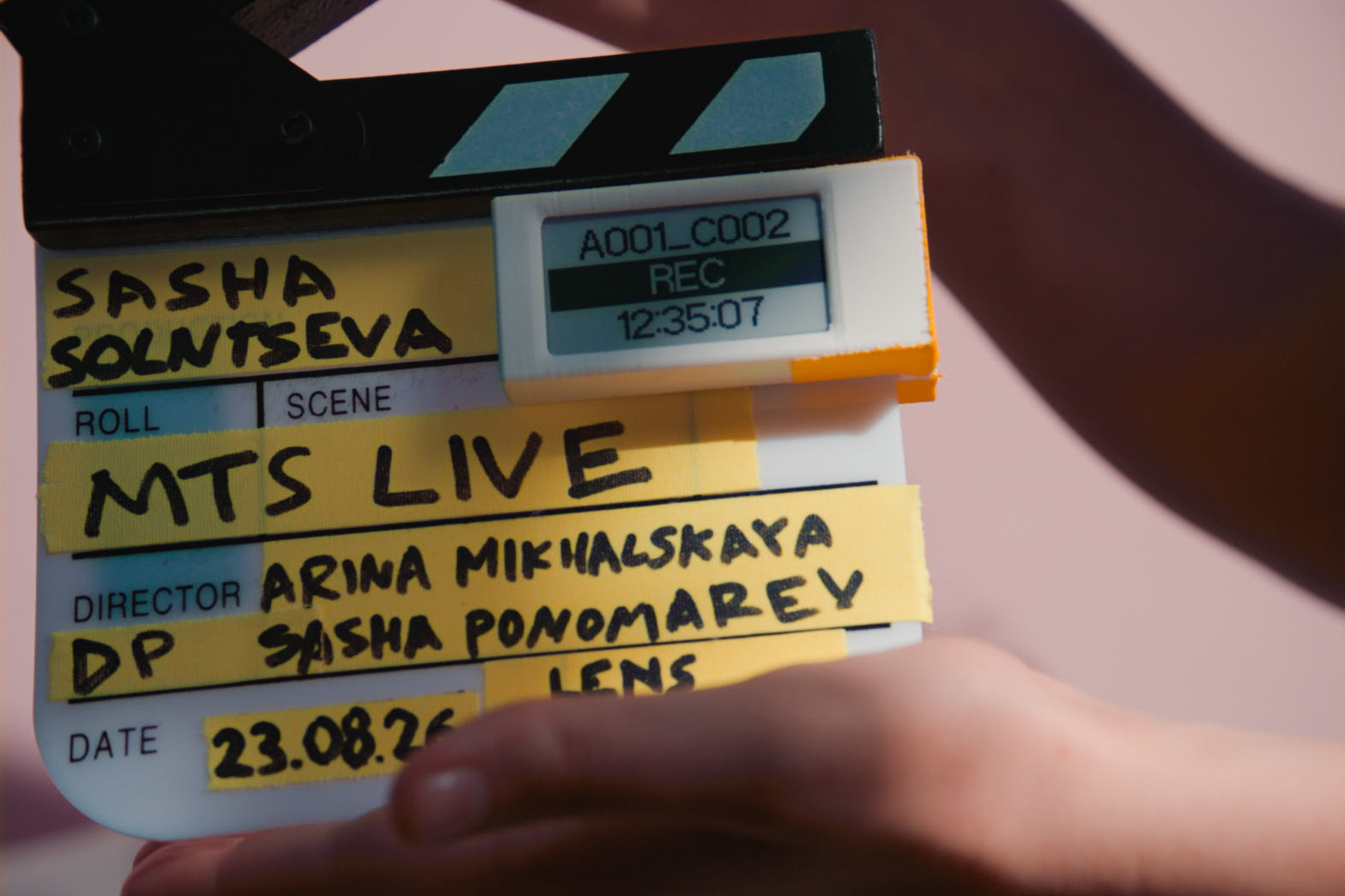
An in-progress, battery-powered e-ink display for the film set. It shows live ARRI camera metadata over Wi-Fi, or custom text when offline. It stays readable in daylight thanks to its e-ink display. Прототип e-ink дисплея на аккумуляторе для съёмочной площадки. Показывает метаданные камер ARRI в реальном времени по Wi-Fi или любой текст, когда камера не подключена. Благодаря технологии e-ink (электронная бумага) отлично читается при дневном свете.
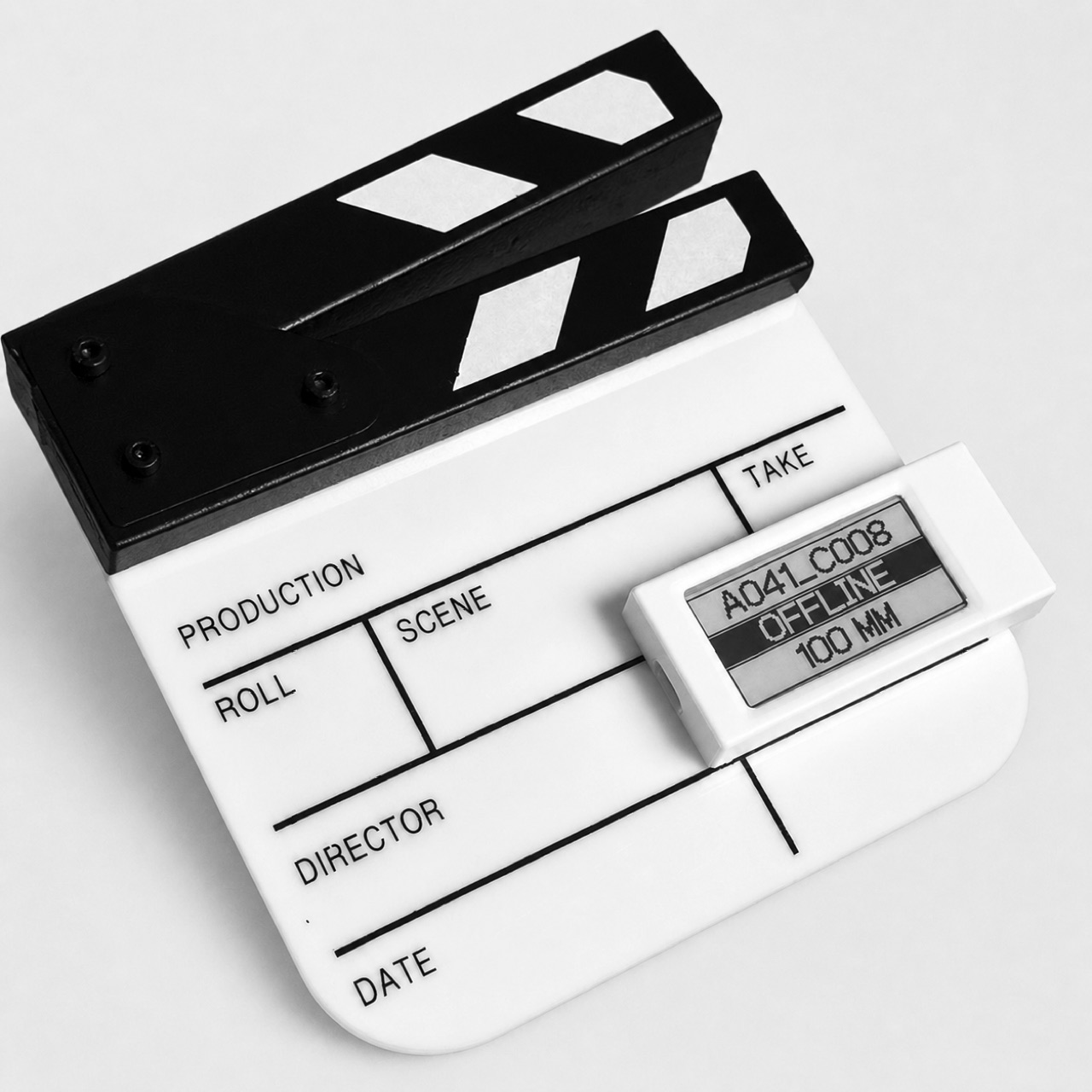
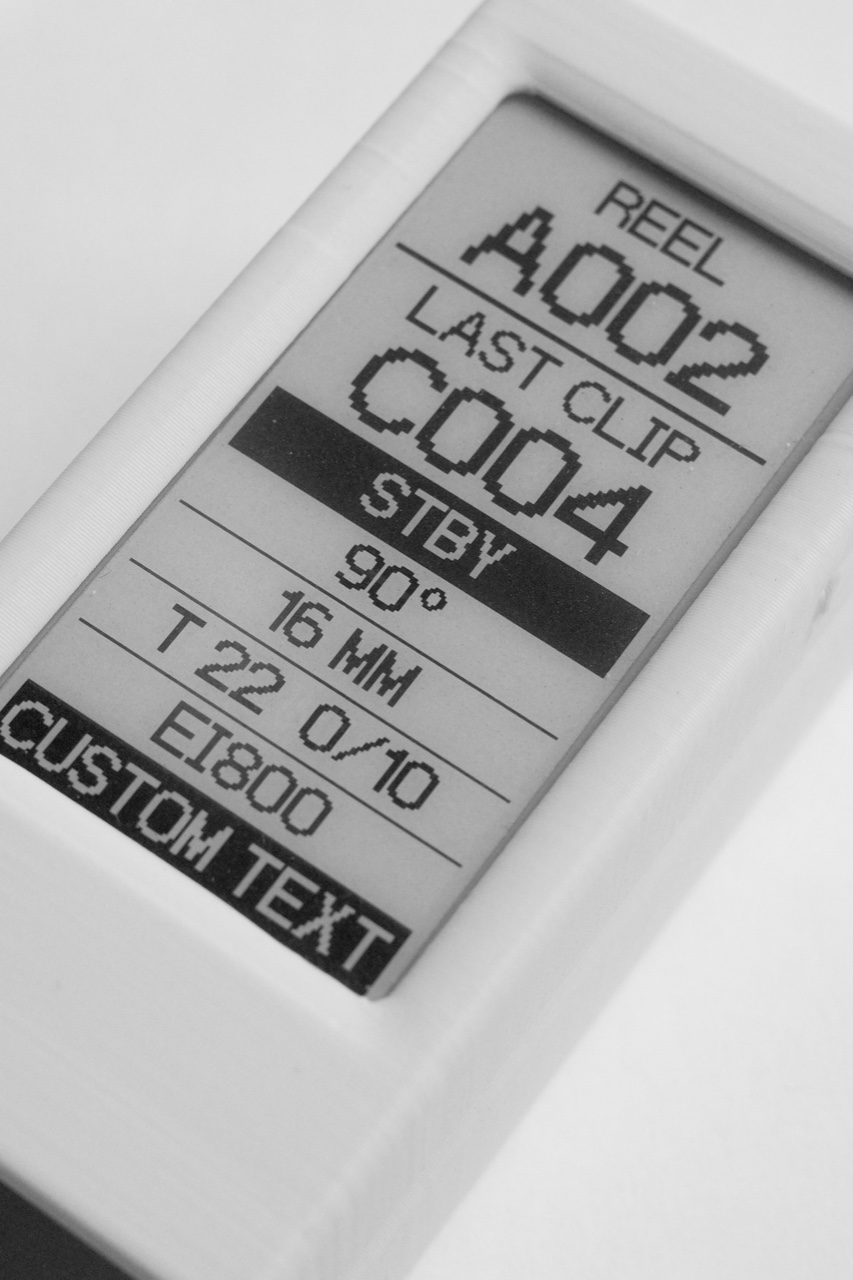
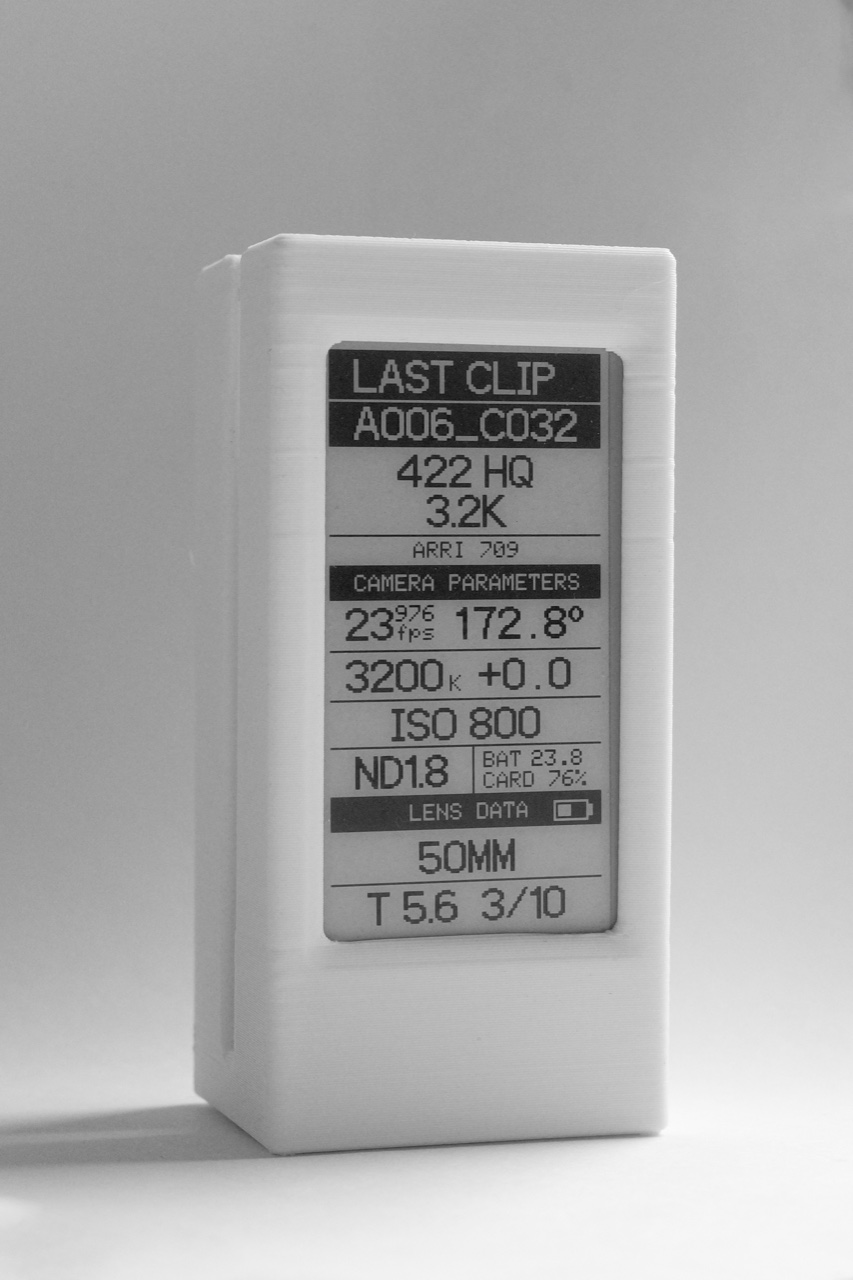
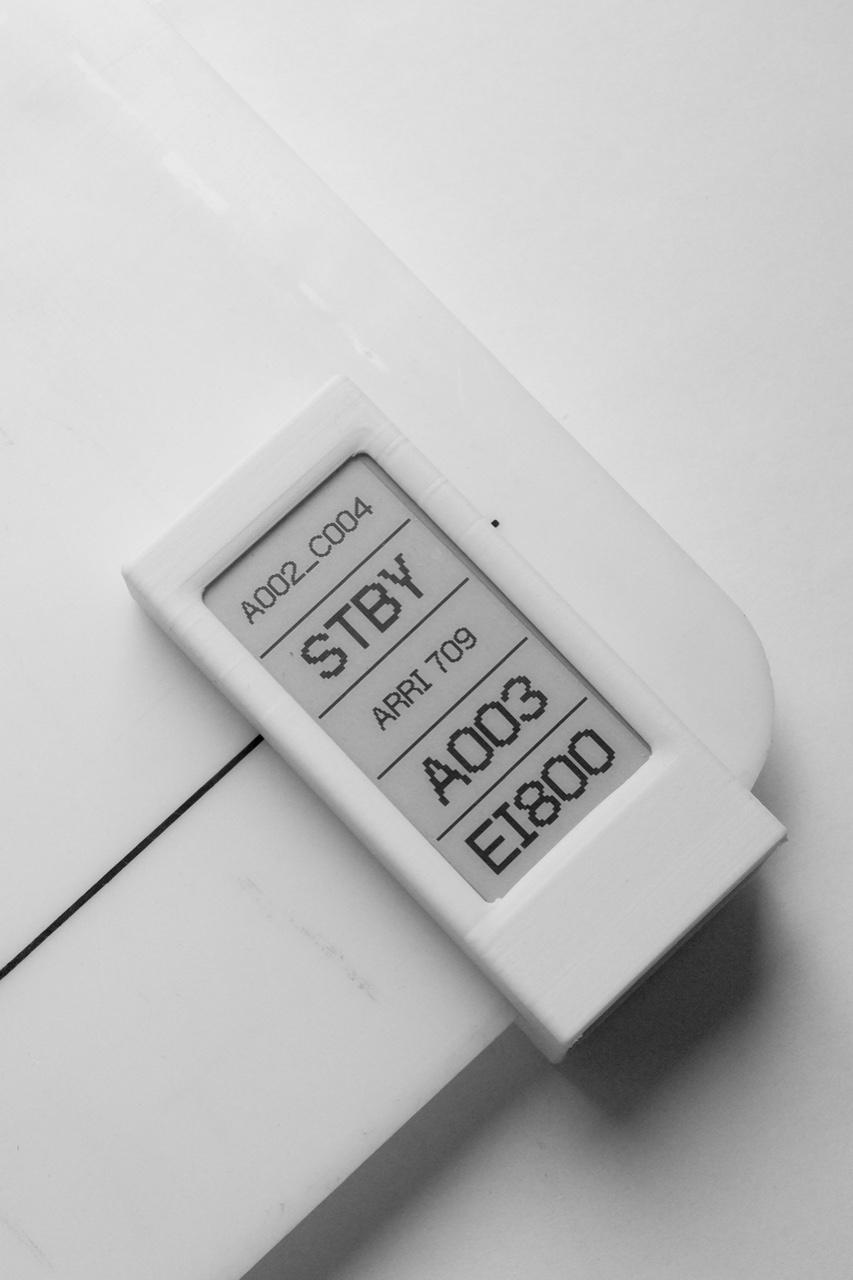
These are working views from the prototype. Depending on the layout, it can show reel and clip counts updating in real time, filtration and exposure alongside a custom note.
Это рабочие экраны прототипа. В зависимости от раскладки на них могут быть номер установленной флешки и номер снятого клипа, фильтрация, параметры экспозиции или произвольный текст.
The current firmware includes four layouts. They are switchable from your phone or with the on-device button.
В текущей прошивке есть четыре раскладки — они переключаются с телефона или кнопкой на устройстве.
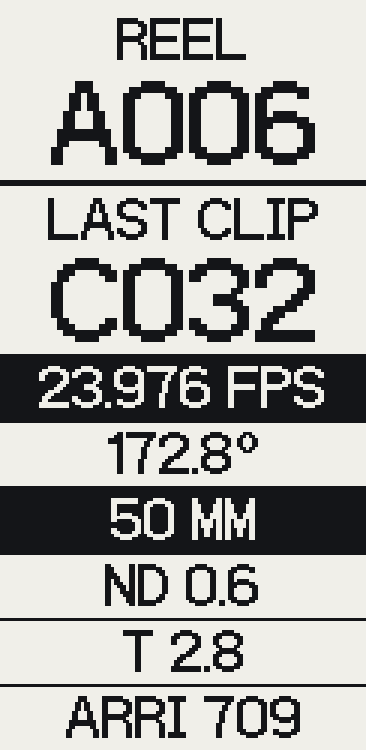
2 large blocks for REEL and LAST CLIP, plus 6 custom fields.
2 крупных блока с отображением REEL и LAST CLIP, 6 custom-полей.
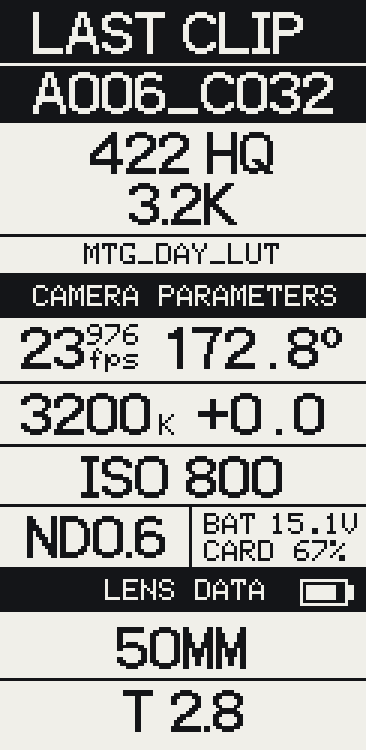
Full technical metadata: codec, sensor, WB/Tint, EI, lens data, battery and card.
Полные технические данные — кодек, разрешение, WB/Tint, ISO, диафрагма и фокусное расстояние объектива, заряд аккумулятора и оставшееся время на карте.
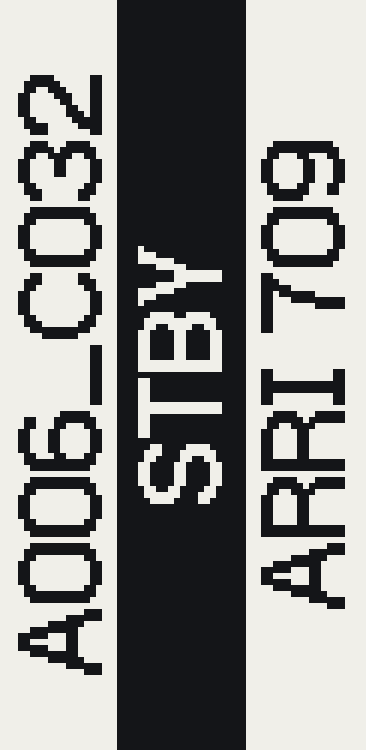
Three configurable rows in landscape. Pick any parameter or a custom string per row; each zone inverts independently.
Три настраиваемые строки в горизонтальной ориентации. На каждую строку — любой параметр или произвольный текст; каждая зона инвертируется отдельно.
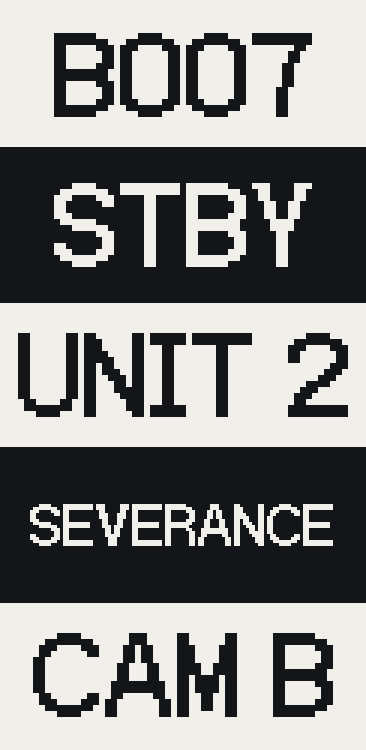
Five configurable rows in vertical orientation — the same engine as 3 Rows, one parameter or custom string per row.
Пять настраиваемых строк в вертикальной ориентации — тот же движок, что и у 3 Rows: на строку любой параметр или произвольный текст.
The most useful view puts a few values up large, legible from a distance: REC/STBY state, reel and last-clip numbers, and a LOOK name or iris value.
Самый полезный вид — 3 Rows — выводит несколько значений крупно и читается издалека: REC/STBY, REEL и LAST CLIP, имя LOOK или значение диафрагмы.
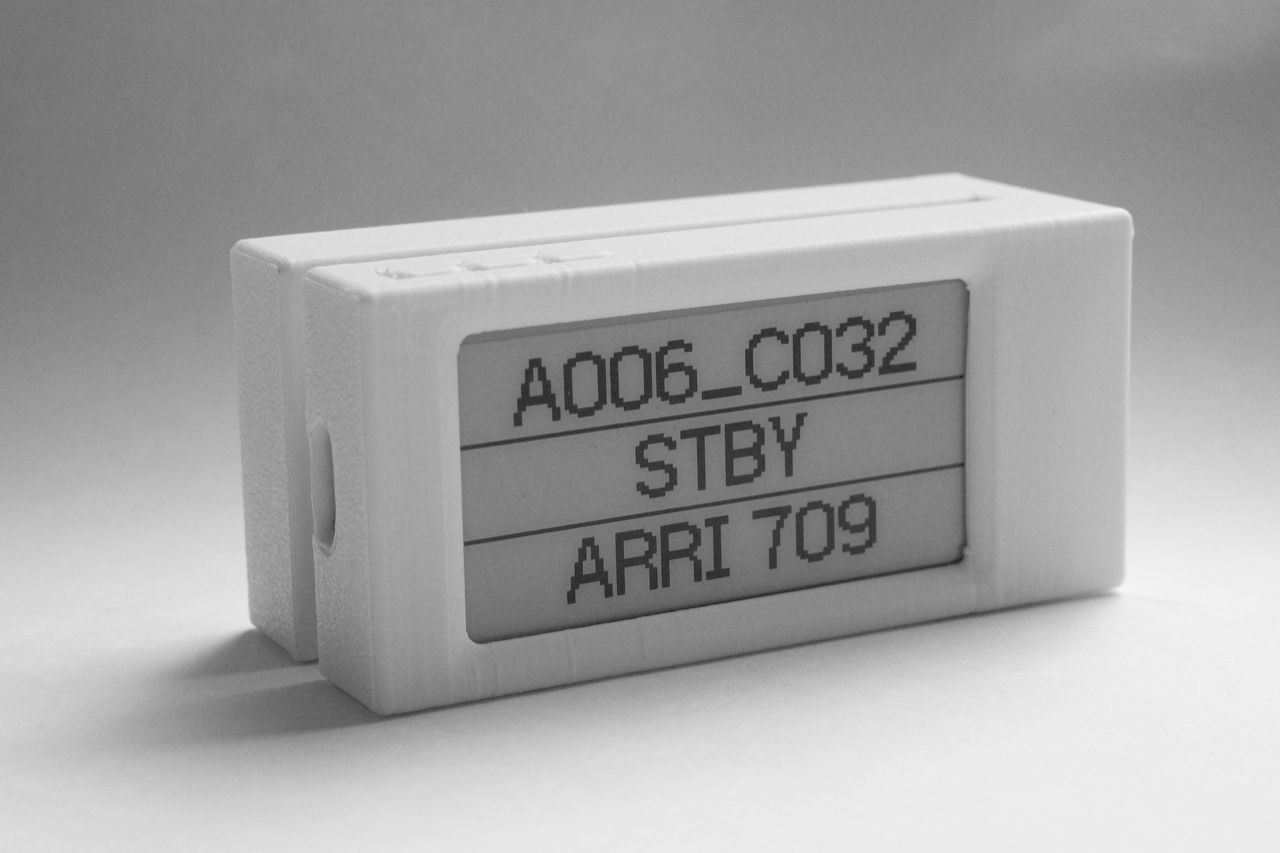
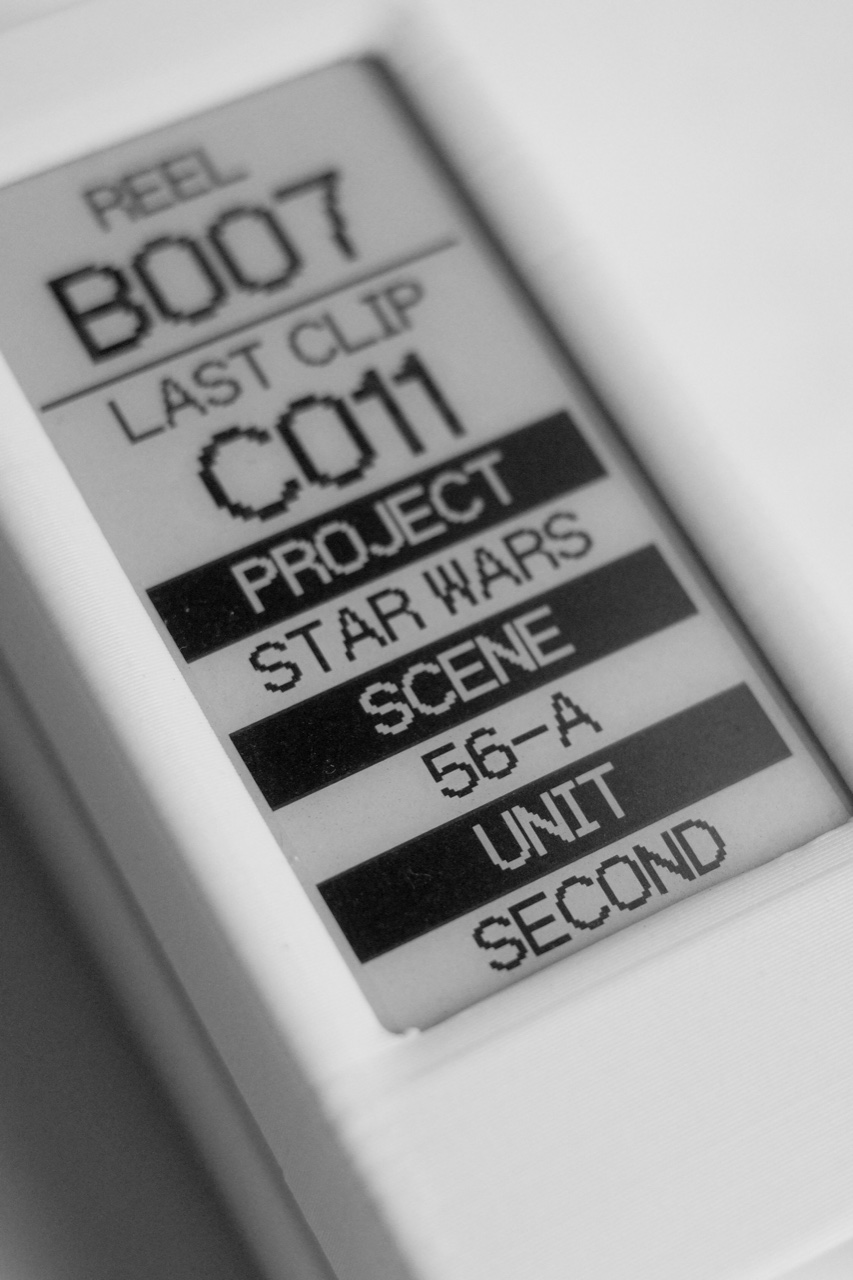
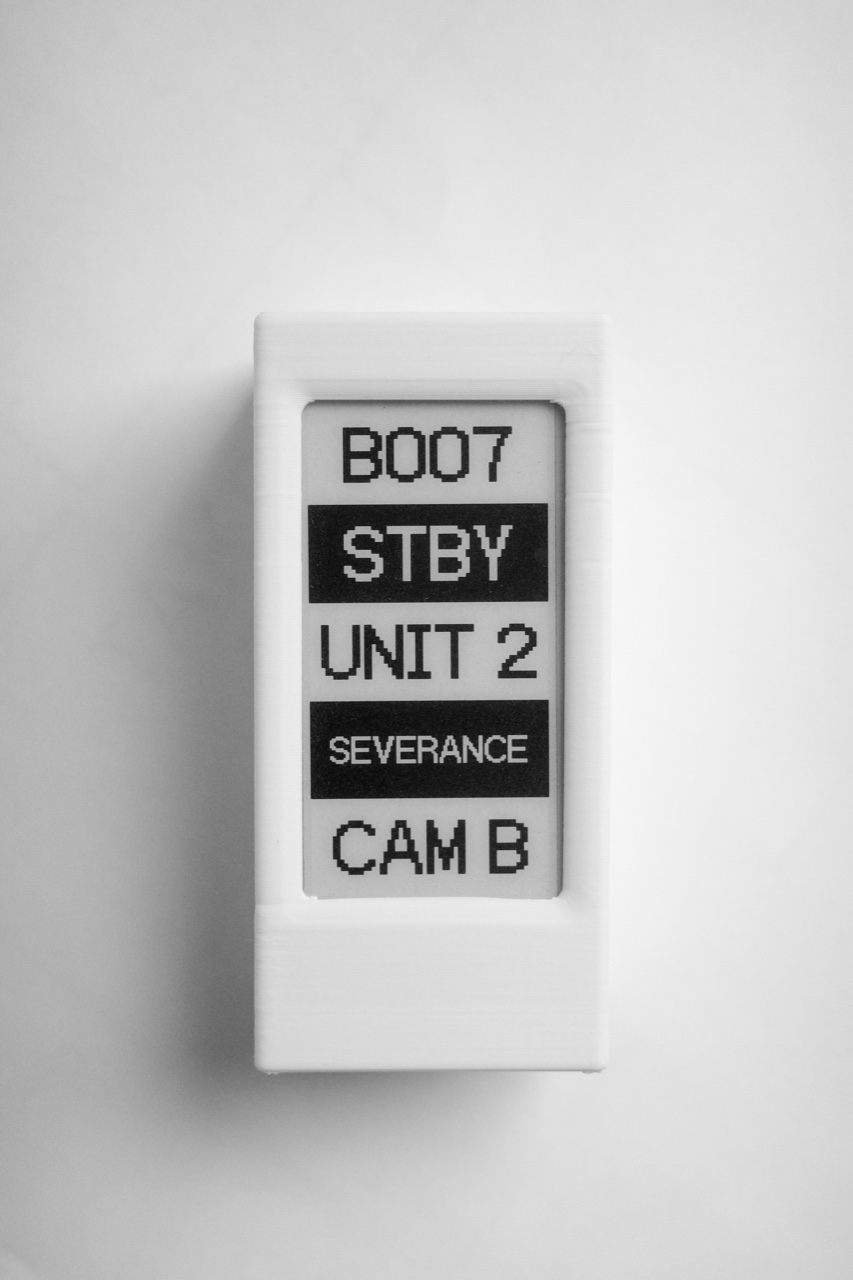
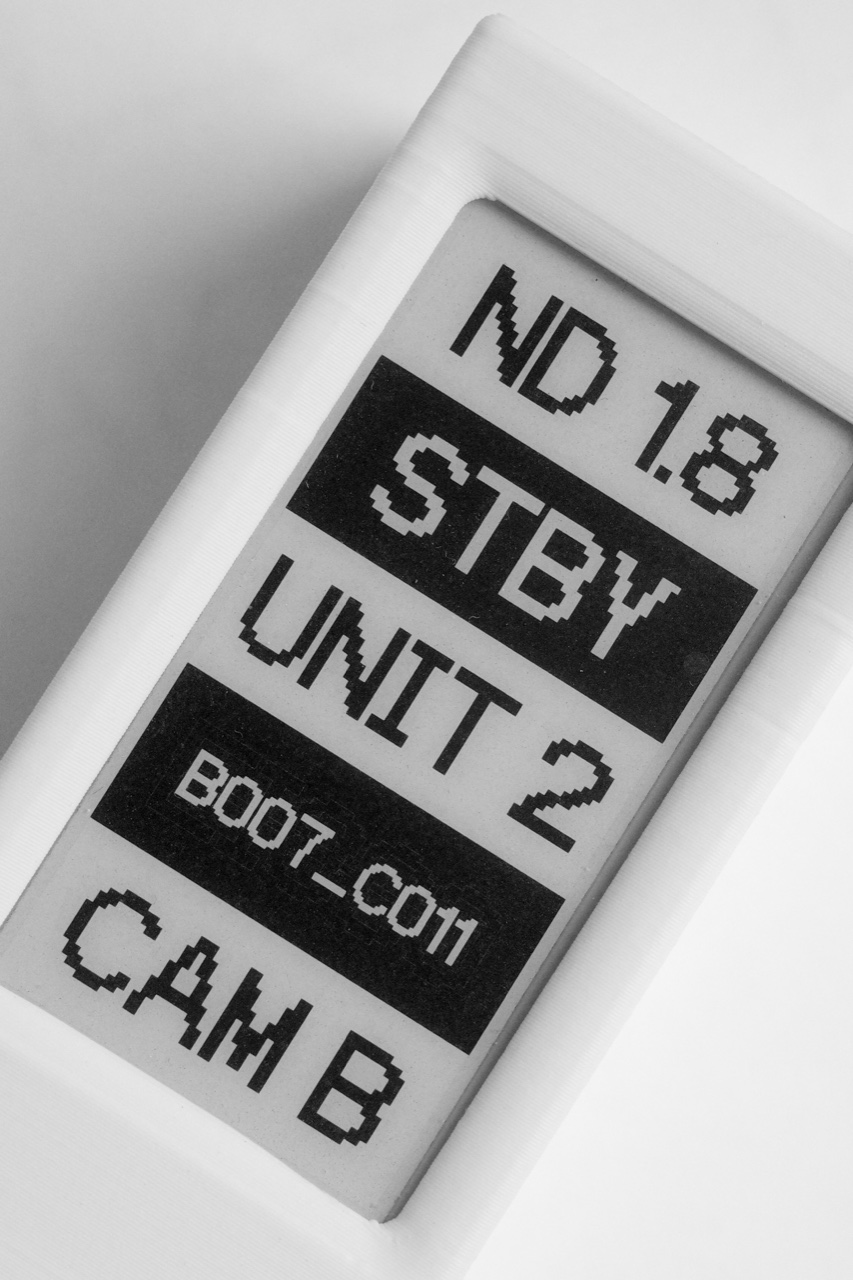
Every row can hold a live camera value — or your own text. Project and scene, unit, camera letter, a note to the crew: type it once and it stays on the panel.
В каждой строке — либо живое значение с камеры, либо ваш текст. Проект и сцена, юнит, буква камеры, заметка для группы: ввели один раз — и это держится на экране.
The REEL and LAST CLIP counters are the one thing almost everyone on set wants — so they earn a spot on nearly every layout.
Счётчики REEL и LAST CLIP нужны почти всем на площадке — поэтому они есть почти в каждой раскладке.
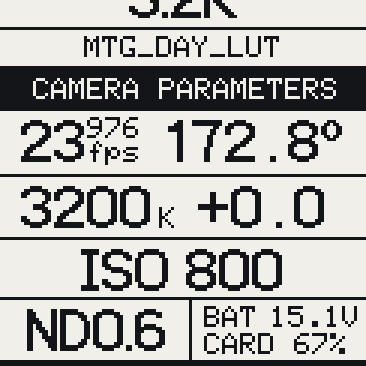
exposure values (shutter / T-stop / ISO), lens focal length
параметры экспозиции (выдержка, диафрагма, ISO), фокусное расстояние
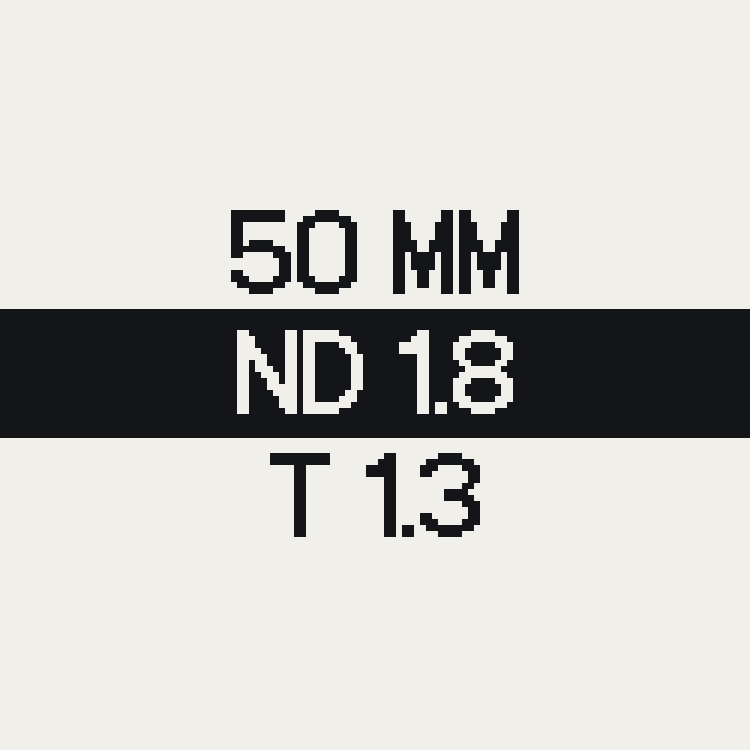
focal length, lens brand, T-stop, on-camera filters list
фокусное расстояние, значение диафрагмы, название объектива, фильтрация
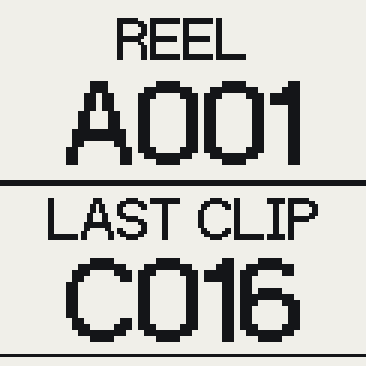
card REEL number, LAST CLIP number, REC/STBY/ERASE/PLAYBACK indicator, installed filters, focal length, ISO, WB
номер флешки REEL, номер последнего снятого файла LAST CLIP, индикатор REC/STBY/ERASE/PLAYBACK, фильтрация, фокусное расстояние, ISO, баланс белого
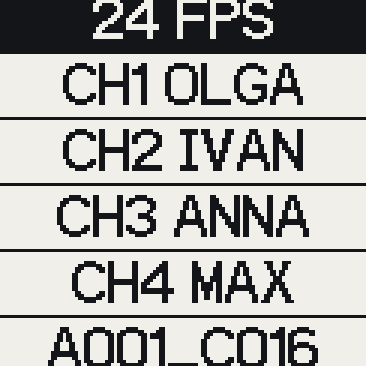
framerate, lav channels, cast names, REEL and CLIP numbers
фреймрейт (fps), каналы петличек — имена актёров, номера флешки и последнего снятого кадра
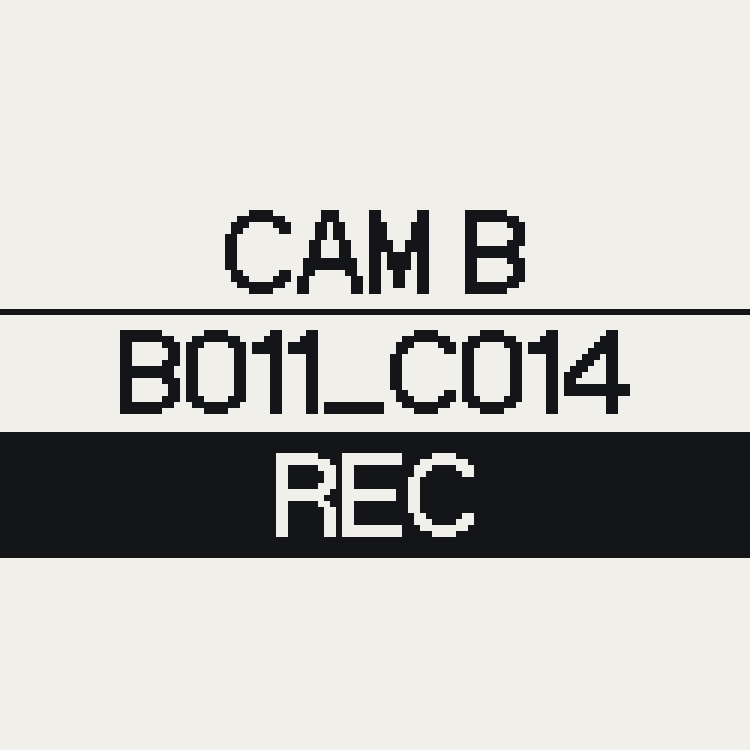
camera settings for the log
настройки камеры для лога
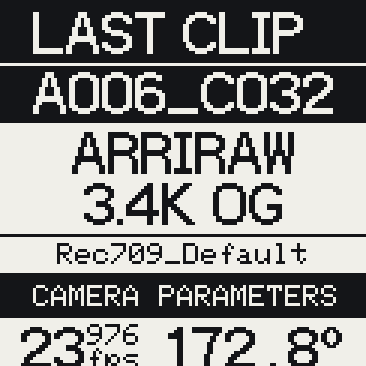
full metadata (Advanced view)
полные метаданные (Advanced view)
Cineink has its own Wi-Fi network and serves a local control page. The device reads selected camera metadata and can also display manually entered text.
У Cineink есть собственная Wi-Fi-сеть с локальной страницей управления. Устройство читает выбранные метаданные камеры или показывает введённый вручную текст.
Over ARRI CAP, Cineink pulls camera metadata in real time. Tested on the Alexa 35 — just turn on the camera's Wi-Fi and CAP and it connects.
По протоколу ARRI CAP Cineink забирает метаданные камеры в реальном времени. Протестировано на Alexa 35 — достаточно включить на камере Wi-Fi и CAP.
With an LDS lens mounted, focal length, T-stop and lens name fill in on their own. Manual entry stays available for any other glass.
С LDS-объективом фокусное, T-stop и имя линзы подставляются сами. Для любой другой оптики остаётся ручной ввод.
Join the device's Wi-Fi and open a browser. Switch layouts, edit fields, build the 3 Rows view. Settings are saved on the device.
Подключаетесь к Wi-Fi устройства, открываете браузер. Переключаете раскладки, правите поля, собираете вид 3 Rows. Настройки сохраняются в устройстве.
No camera nearby, or shooting on RED, Sony or Blackmagic? Type the values in by hand. Live support for more camera brands is on the roadmap.
Камеры нет рядом или снимаете на RED, Sony, Blackmagic? Вводите значения вручную. Поддержку live-данных других брендов добавим позже.
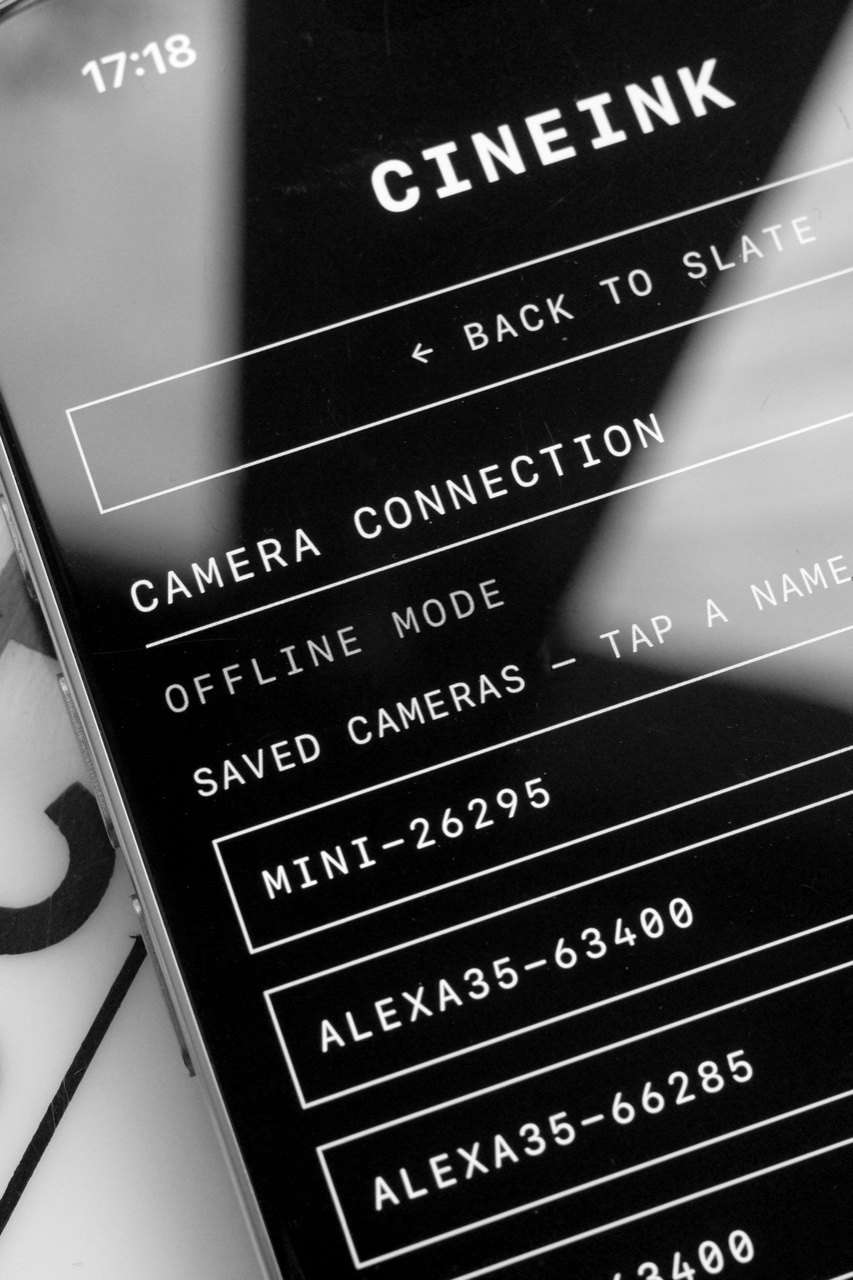
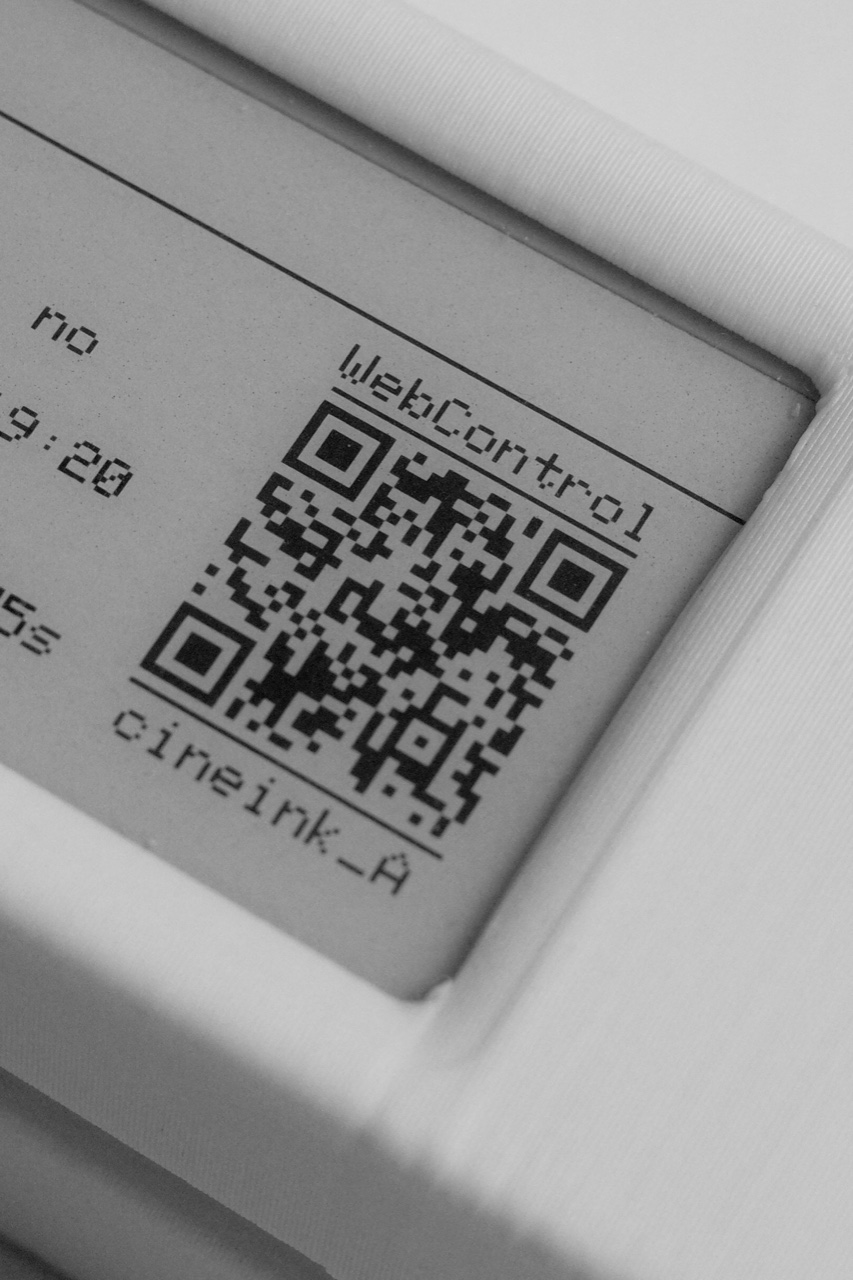
Cineink works fully offline. It hosts its own control page and joins the camera's Wi-Fi — no cloud, no account, no app, no internet connection required.
Cineink работает полностью автономно: он сам раздаёт страницу управления и подключается к Wi-Fi камеры — без облака, аккаунтов, приложений и подключения к интернету.
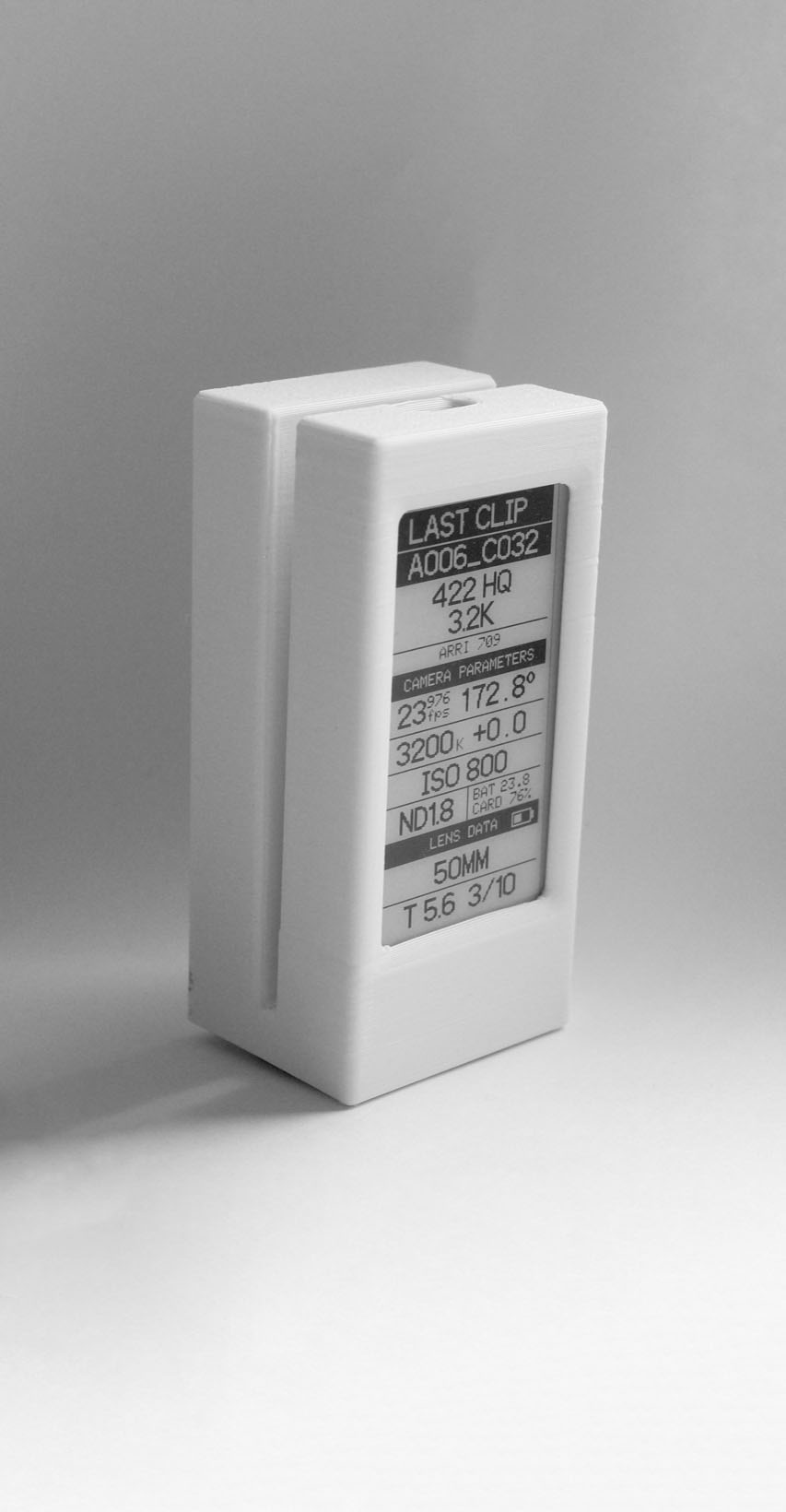
Cineink is an in-progress prototype. The current build lives in a 3D-printed clip-on enclosure: a small, battery-powered monochrome e-ink display set from a phone, readable in daylight and dark on a dark set. Full specs and build notes are coming soon.
Cineink — прототип в разработке. Текущая версия — в 3D-печатном корпусе с клипсой: небольшой монохромный e-ink дисплей на аккумуляторе, управляется с телефона. Подробные характеристики и заметки о сборке ещё документируются.